100% Secure Video Platform

Protect Your Content.
Control Your Viewers.

The most advanced video protection system designed for online educators and creators. Stop piracy, control playback quality, and deliver your content securely to any device.

Windows 10/11 macOS & iOS Android 9.0+
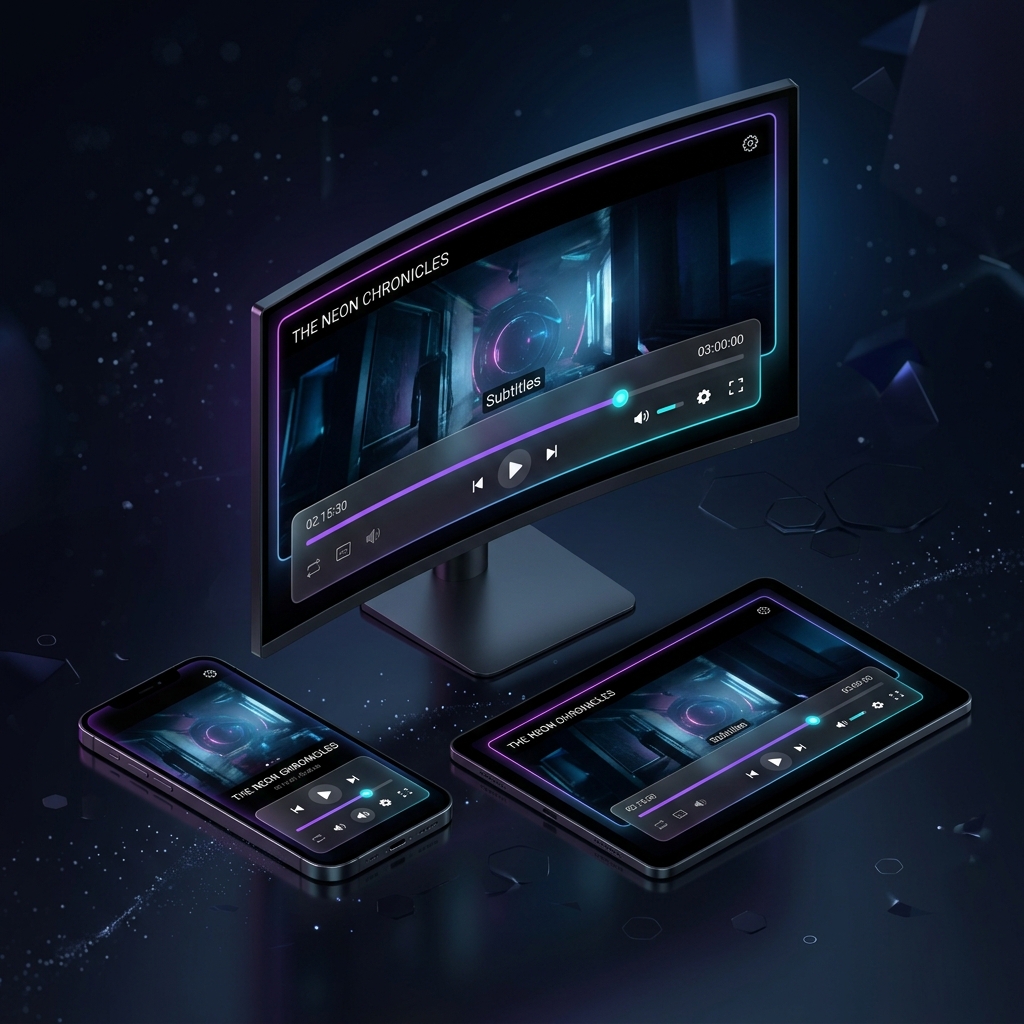
System Mockups

Everything You Need to Succeed

We don't just protect your videos, we enhance the viewing experience for your students.

Quality & Speed Control

Let your students choose their preferred video quality (SD, HD, 4K) and adjust the playback speed (1x, 1.5x, 2x) for optimal learning.

Zero Screen Recording

Advanced system-level protection instantly turns the video black if any screen recording or screenshot software is detected.

Dynamic Watermarking

The viewer's name, phone number, and IP address float dynamically across the screen to discourage unauthorized camera recording.

How It Works

Three simple steps to impenetrable video security.

1

Upload & Encrypt

Add your video link to the dashboard. Our system automatically encrypts the stream and generates a secure access token.

2

Share Secure Link

Embed the secure button on your website or send the link to your student. Only authorized users can click it.

3

Watch Safely

The student clicks the link, and the video opens natively in our highly secure player on their Desktop or Mobile device.

Download The Player

To watch protected content, please download the official secure player for your device.

Desktop Player

A dedicated application for Windows and macOS that completely blocks screen recording and external tools. Provides the ultimate secure viewing experience.

  • Video Quality Control (HD/SD)
  • Playback Speed Control
  • Complete Screen-Capture Block

Android App

A secure mobile application that prevents screenshots and screen recordings across the entire operating system to keep your content safe.

  • Video Quality Control (HD/SD)
  • Playback Speed Control
  • Smooth Mobile Playback

iPhone App

A sleek iOS application designed to ensure your videos cannot be captured, exported, or recorded under any circumstances.

  • Video Quality Control (HD/SD)
  • Playback Speed Control
  • Advanced Video Security